Does PDFBox upload my documents?
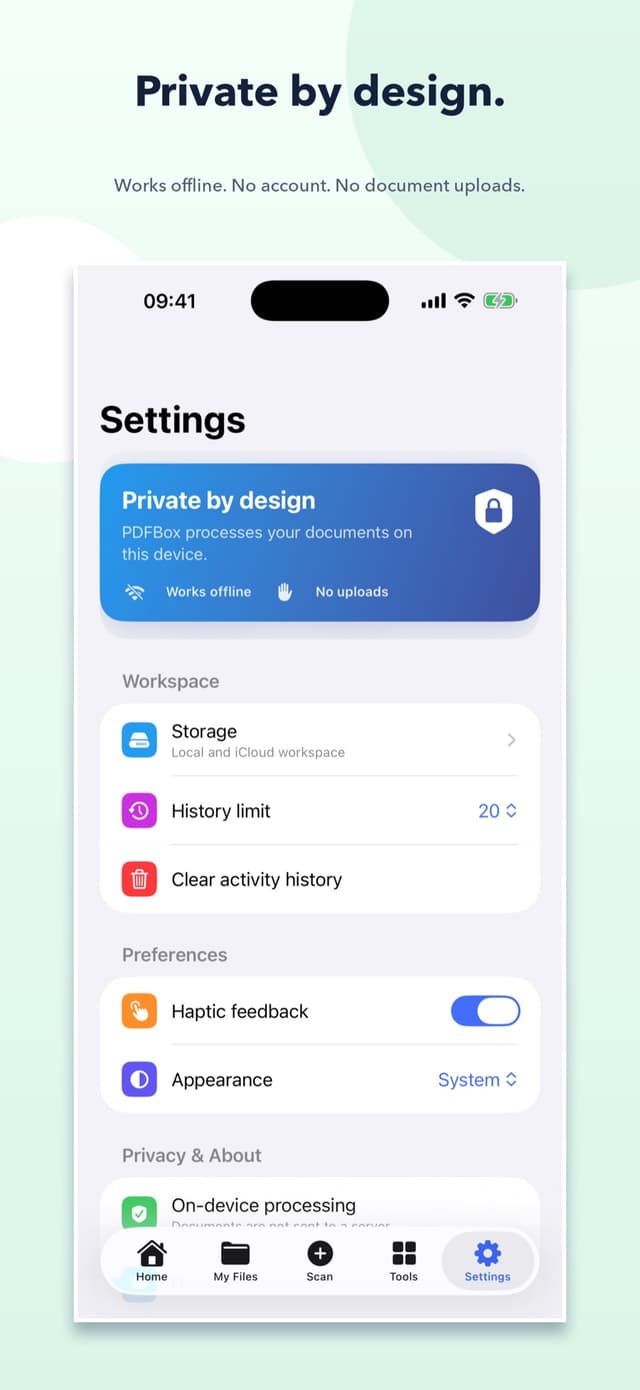
No. Core document processing happens on your device, and PDFBox does not send your PDFs to SoftUtopia servers.

A SoftUtopia app
Scan, edit, sign, and organize PDFs without giving up privacy.
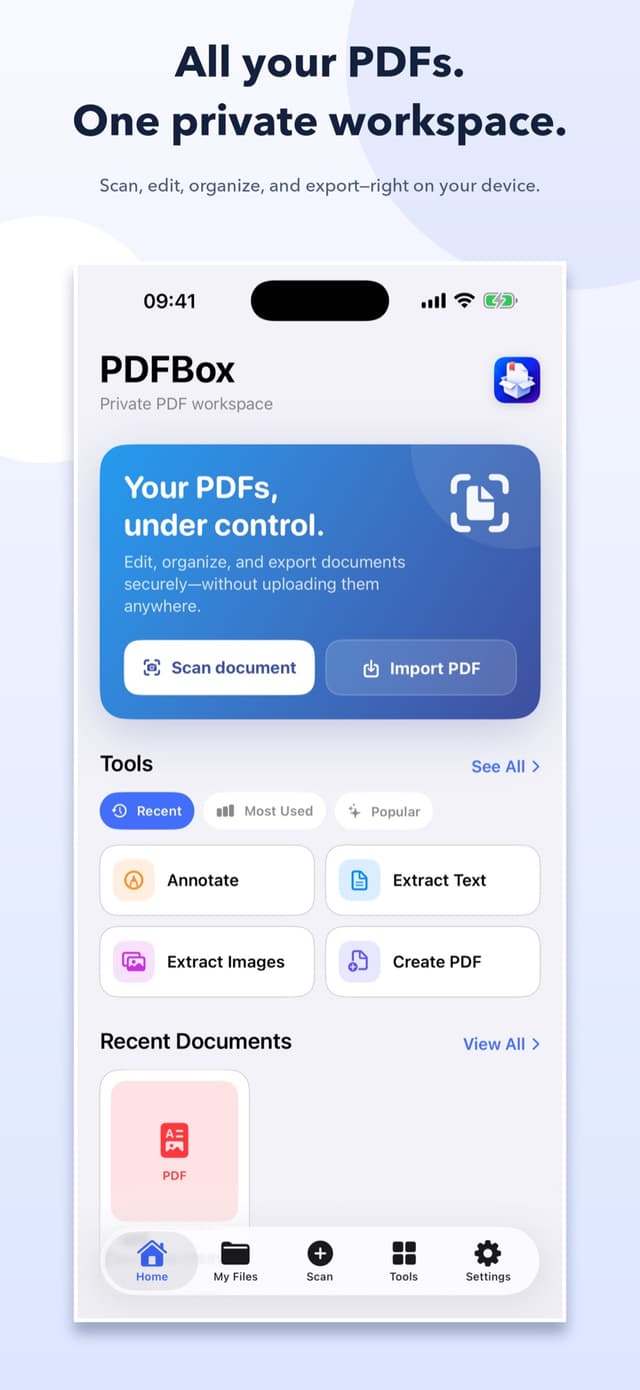
PDFBox is an all-in-one PDF workspace for iPhone and iPad. Scan documents, create PDFs, annotate and sign pages, merge or split files, compress attachments, protect sensitive documents, and convert or extract content with fast tools that work on your device.
Inside the app
Swipe or scroll to explore the experience.
Designed with purpose
Focused features, shaped around one clear job.
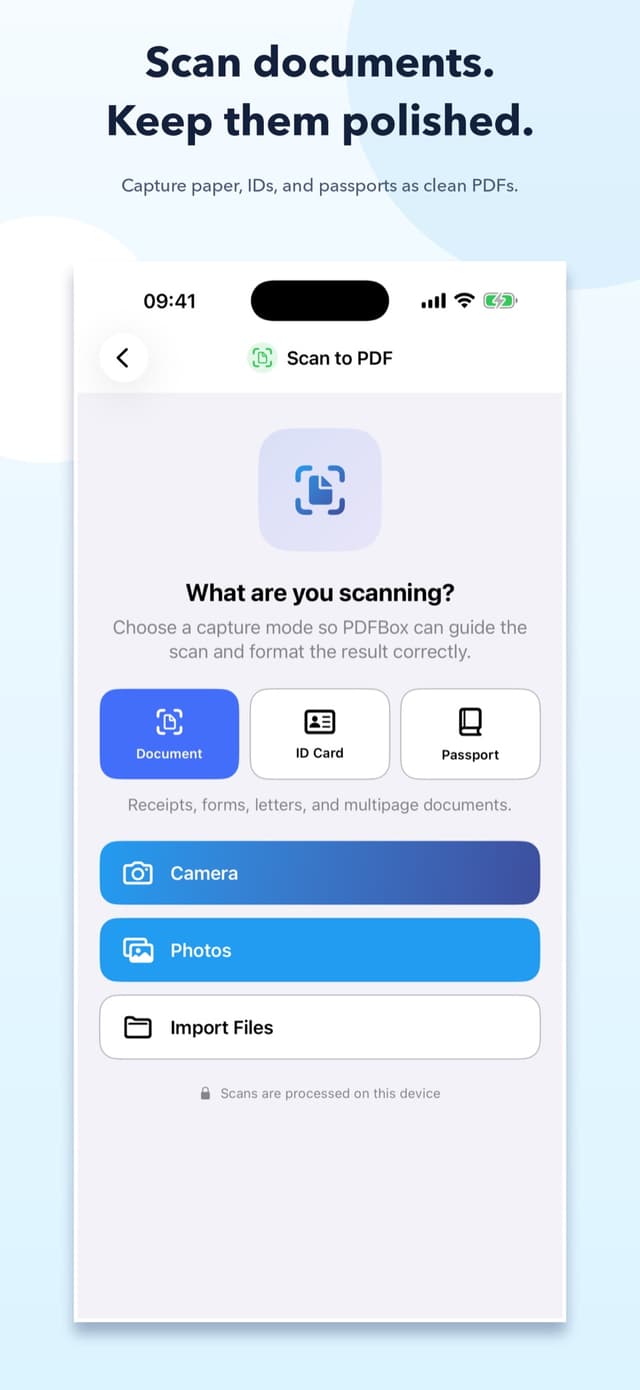
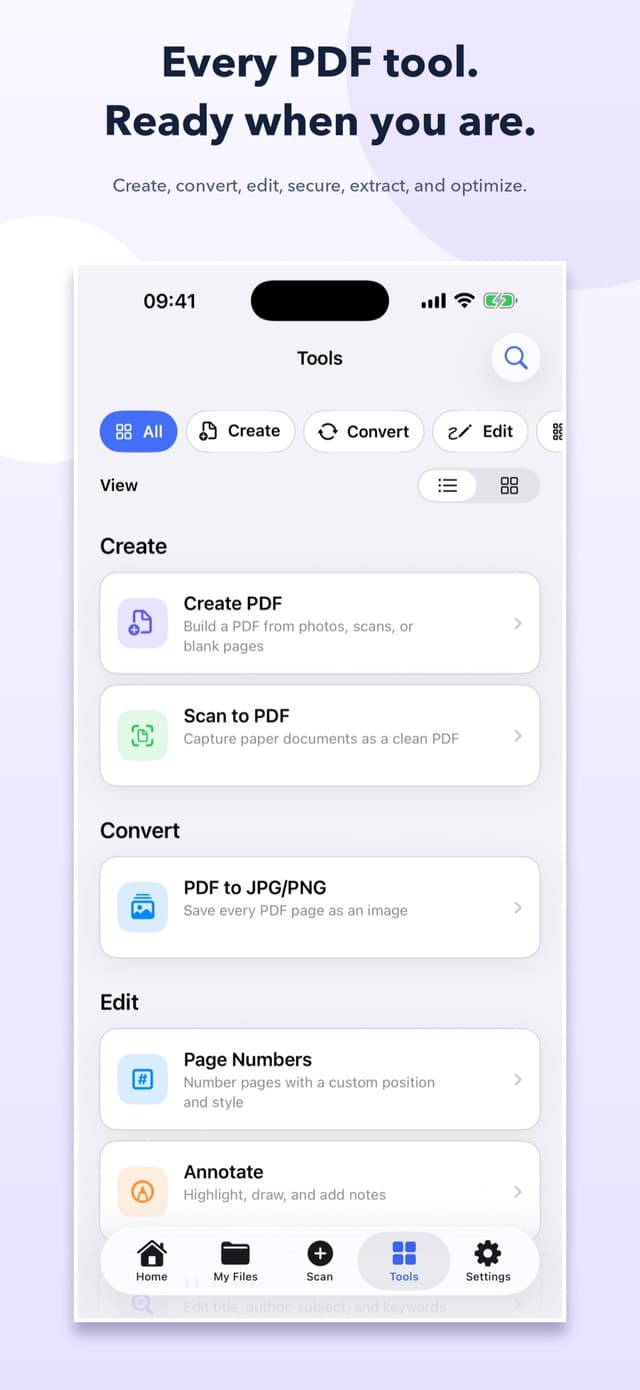
Scan documents, receipts, ID cards, and passports
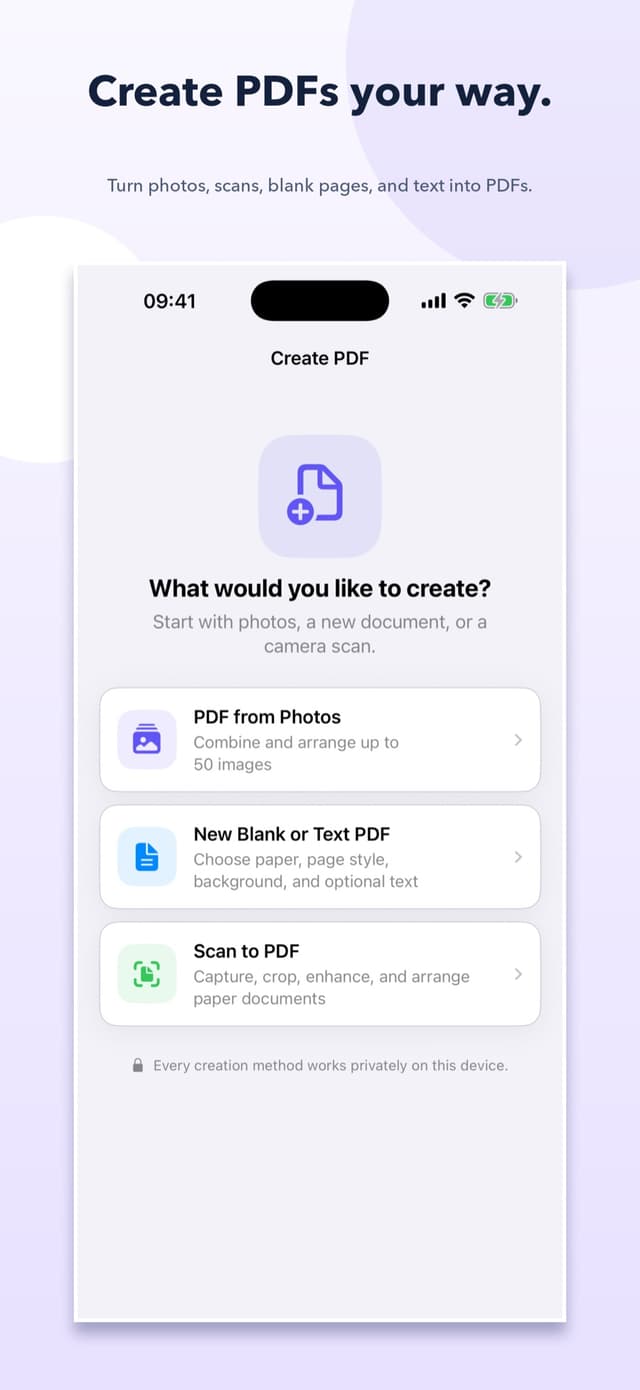
Create PDFs from photos, scans, blank pages, or text
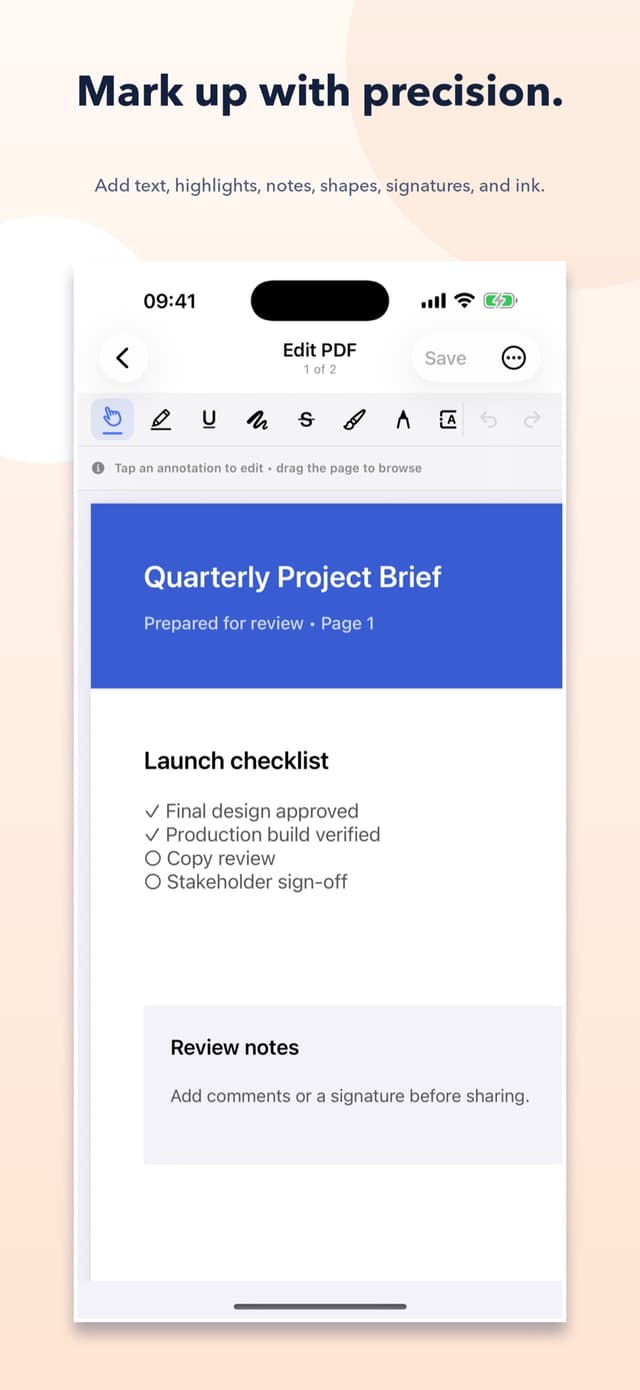
Annotate, highlight, draw, add notes, and place signatures
Merge, split, reorder, rotate, remove, and extract pages
Compress, password-protect, unlock, repair, and grayscale PDFs
Convert pages to images and recognize scanned text with on-device OCR
Good to know
No. Core document processing happens on your device, and PDFBox does not send your PDFs to SoftUtopia servers.
Yes. PDFBox requires no account, and its core scan, create, edit, organize, and conversion tools work offline.
Documents stay in the workspace location you choose on your device or in your private iCloud Drive. You remain in control of importing, exporting, sharing, and deleting them.
Direct from the studio
Found a bug, have a question, or want to suggest a feature? Your note goes straight to the team behind PDFBox.